Spice86
A cross-platform PC emulator for executing, analysing, and incrementally rewriting real-mode DOS programs for which no source code is available.






What is Spice86?
Spice86 is a tool and emulator targeting real-mode (16-bit) DOS programs. Its primary use case is reverse engineering without source code: you run a DOS binary inside Spice86, let it gather runtime data (memory snapshots and execution-flow traces), then use those data to incrementally replace assembly functions with equivalent C# code — all while keeping the program fully runnable at every stage.
It is implemented in C# / .NET 10 and runs on Windows, macOS, and Linux. Releases are published on NuGet; pre-releases are available on the GitHub Releases page.
Spice86 is a continuation of the original Java Spice86 by Kevin Ferrare.
Emulation accuracy
8086 through 80386 real-mode, VGA/EGA/CGA, SoundBlaster, OPL, MT-32, PC Speaker, DOS int 21h (partial), EMS 3.2 / XMS 4.0 / HMA.
CFG CPU
Control-flow graph built at runtime. Tracks every executed path, handles self-modifying code via signature-based variant merging, and lays the foundation for future JIT compilation.
GDB remote protocol
Full GDB server on port 10000. Use vanilla GDB or the SeerGDB GUI to set breakpoints, watch memory, and run custom dump commands.
Incremental rewriting
Replace individual DOS functions one-by-one with C# methods while keeping the rest of the program running in the emulator. The Ghidra plugin auto-generates the C# scaffolding.
Reverse Engineering Approach
Rewriting a binary-only program is a divide-and-conquer task. Spice86 structures that process so every step produces a working, testable program:
-
Run the program in Spice86
Verify it runs correctly. Identify unimplemented hardware if it crashes.
-
Dump runtime data
On exit (or via
monitor dumpallin GDB) Spice86 writesspice86dumpMemoryDump.bin(RAM snapshot) andspice86dumpExecutionFlow.json(function addresses, labels, executed instructions) to a per-executable subdirectory named by SHA-256 hash. -
Load into Ghidra via the plugin
The spice86-ghidra-plugin imports the dumps and decompiles functions as C# code ready for use as overrides.
-
Scaffold a .NET project
Use spice86-dotnet-templates (
dotnet new spice86.project) and import the generated C# files. -
Override functions one at a time
Implement
IOverrideSupplier, register C# methods at segmented addresses viaDefineFunction, and run with--UseCodeOverride true. Each replacement is immediately testable. -
Iterate
As more functions are rewritten, the emulated code path shrinks. Ultimately the entire program runs natively in C# with no assembly left.
A concrete, fully worked example is the Cryogenic project (Cryo Dune rewrite).
Getting Started
Prerequisites
Install the .NET 10 SDK. No additional runtime dependencies are required on Windows. On Linux, ALSA is used for audio. On macOS, CoreAudio is used.
Install from NuGet (recommended)
dotnet tool install -g Spice86Build from source
git clone https://github.com/OpenRakis/Spice86.git
cd Spice86/src
dotnet build
Run a DOS executable
# Run an EXE
Spice86 -e path/to/program.exe

# Run a COM file
Spice86 -e path/to/program.com

# Run a BIOS image
Spice86 -e path/to/bios.bin

# Set the C: drive to the directory containing the game files
Spice86 -e game.exe --CDrive /path/to/game/

# Pass arguments to the DOS program
Spice86 -e game.exe --ExeArgs "arg1 arg2"
Dump execution data for reverse engineering
# Dumps go to a subdirectory named with the program's SHA-256 hash
Spice86 -e game.exe --RecordedDataDirectory /path/to/dumps/

# Or set the environment variable
export SPICE86_DUMPS_FOLDER=/path/to/dumps
Spice86 -e game.exe
CLI Options
Core options
| Option | Default | Description |
|---|---|---|
-e, --Exe | required | Path to the executable (EXE, COM, or BIN) |
-a, --ExeArgs | — | Arguments passed to the emulated program (max 127 chars) |
-c, --CDrive | exe parent folder | Path to the emulated C: drive |
-r, --RecordedDataDirectory | SPICE86_DUMPS_FOLDER or cwd | Directory for memory and execution-flow dumps |
-x, --ExpectedChecksum | — | Hex SHA-256 of the expected executable; fails if mismatch |
-p, --ProgramEntryPointSegment | 0x170 | Segment where the program is loaded |
-v, --InitializeDOS | auto (guessed at runtime) | Install DOS interrupt vectors |
Performance
| Option | Default | Description |
|---|---|---|
--Cycles | — | Target CPU cycles per ms (unset = no limit). Overrides --InstructionsPerSecond when set. |
-i, --InstructionsPerSecond | — | Instruction-based timer; blank = real-time timer |
-t, --TimeMultiplier | 1 | Real-time speed multiplier (>1 faster, <1 slower) |
Debugging
| Option | Default | Description |
|---|---|---|
--Debug | false | Pause at startup (and on stop) to allow attaching a debugger |
-g, --GdbPort | 10000 | GDB remote port; 0 disables the GDB server |
--CpuHeavyLog | false | Log every executed instruction to a file (significant perf impact) |
--CpuHeavyLogDumpFile | {DumpDirectory}/cpu_heavy.log | Override the CPU log file path |
--AsmRenderingStyle | Spice86 | Assembly syntax: Spice86 or DosBox |
--StructureFile | — | C header file describing memory structures (IDA/Ghidra export) |
-f, --FailOnUnhandledPort | false | Fail on unimplemented I/O port access |
Overrides
| Option | Default | Description |
|---|---|---|
-o, --OverrideSupplierClassName | — | Class name implementing IOverrideSupplier |
-u, --UseCodeOverride | true | Execute C# override code; false uses names only |
Memory
| Option | Default | Description |
|---|---|---|
--Xms | true | Enable 15 MB XMS (extended memory) |
--Ems | true | Enable EMS memory (8 MB via EMM Page Frame) |
--A20Gate | false | Disable A20 line for programs relying on HMA wrap-around |
Display & UI
| Option | Default | Description |
|---|---|---|
-h, --HeadlessMode | false | Minimal (no UI) or Avalonia (full UI, more memory) |
Sound
| Option | Default | Description |
|---|---|---|
--SbType | SBPro2 | None | SB1 | SB2 | SBPro1 | SBPro2 | Sb16 | GameBlaster |
--SbIrq | 7 | Sound Blaster IRQ (common: 5, 7, 9, 10) |
--SbDma | 1 | 8-bit DMA channel (common: 0, 1, 3) |
--SbHdma | 5 | 16-bit DMA channel (common: 5, 6, 7) |
--SbBase | 0x220 | Base I/O address (hex; common: 0x220, 0x240) |
--OplMode | Opl3 | None | Opl2 | DualOpl2 | Opl3 | Opl3Gold |
--SbMixer | true | Enable Sound Blaster mixer control of OPL voices |
-m, --Mt32RomsPath | — | ZIP or directory containing MT-32 ROM files |
Logging
| Option | Description |
|---|---|
-l, --VerboseLogs | Enable verbose log level |
-w, --WarningLogs | Enable warning log level |
-s, --SilencedLogs | Disable all logs |
GDB Integration
Spice86 speaks the GDB remote serial protocol. The GDB server starts automatically
on port 10000 (disabled with --GdbPort 0).
Use --Debug to pause execution at startup.
Connecting
(gdb) target remote localhost:10000
(gdb) set architecture i8086
GDB uses physical (linear) addresses. Segmented address A000:0000
maps to physical 0xA0000. The $pc variable reflects the
physical address of CS:IP.
Common GDB commands
| Command | Description |
|---|---|
watch *0xA0000 | Break on VRAM write |
layout asm | Assembly view |
find /b 0x0, 0xF0000, 0x53, ... | Search memory for byte sequence |
x/16xb 0x1000 | Examine 16 bytes at physical address |
Custom monitor commands
| Command | Description |
|---|---|
monitor help | List all custom commands |
monitor dumpall | Dump memory snapshot + execution-flow JSON to the dump folder |
monitor breakCycles 1000 | Break after 1000 emulated CPU cycles |
monitor breakStop | Break when the emulated program exits |
SeerGDB
The SeerGDB GUI client works well with Spice86.
A pre-configured project file is provided at doc/spice86.seer.
Launch with:
seergdb --project doc/spice86.seerIn Seer, set Settings → Configuration → Assembly → Disassembly Mode to Length for the assembly view to work correctly.
Built-in Debugger
Spice86 includes a UI debugger (documented on the wiki) with the following views:
CPU / Registers
Live view of all CPU registers and flags.
Disassembly
Real-time disassembly of the emulated code at CS:IP.
Memory
Hex view of the full 1 MB address space, with byte-range selection and right-click context for the structure viewer.
Structure Viewer
Supply a C header file (--StructureFile) to view memory as typed
structures (DOS PSP, VGA registers, custom game structs). Updates live on pause.
Export from IDA or Ghidra to reload structures without restarting.
Stack
Current stack frame with segmented addresses.
Code Override System
The override system lets you replace individual DOS assembly functions with C# methods. The emulator calls the C# method when execution reaches the registered address, and then returns to the emulated program using the appropriate return instruction.
Implementing an override supplier
// Register one C# implementation per assembly function
public class MyProgramOverrideSupplier : IOverrideSupplier {
    public IDictionary<SegmentedAddress, FunctionInformation> GenerateFunctionInformations(
        ILoggerService loggerService, Configuration configuration,
        ushort programStartSegment, Machine machine) {
        Dictionary<SegmentedAddress, FunctionInformation> res = new();
        new MyOverrides(res, machine, loggerService, configuration);
        return res;
    }
}
Implementing overrides
public class MyOverrides : CSharpOverrideHelper {
    private GlobalsOnDs _globals;

    public MyOverrides(
        IDictionary<SegmentedAddress, FunctionInformation> functionInformations,
        Machine machine, ILoggerService loggerService, Configuration configuration)
        : base(functionInformations, machine, loggerService, configuration) {
        _globals = new GlobalsOnDs(machine.Memory, machine.CfgCpu.State.SegmentRegisters);
        DefineFunction(0x1ED, 0xA1E8, IncDialogueCount47A8);
        DefineFunction(0x1ED, 0x0100, AddOneToAX);
    }

    private Action IncDialogueCount47A8(int loadOffset) {
        _globals.SetDialogueCount47A8(_globals.GetDialogueCount47A8() + 1);
        return NearRet();
    }

    private Action AddOneToAX(int loadOffset) {
        State.AX++;
        return FarRet();
    }
}
Memory-mapped data structures
public class GlobalsOnDs : MemoryBasedDataStructureWithDsBaseAddress {
    public GlobalsOnDs(IByteReaderWriter memory, SegmentRegisters regs)
        : base(memory, regs) { }

    public int GetDialogueCount47A8() => UInt16[0x47A8];
    public void SetDialogueCount47A8(int value) => UInt16[0x47A8] = (ushort)value;
}--UseCodeOverride true and
--OverrideSupplierClassName YourNamespace.MyProgramOverrideSupplier
when running with overrides active.
Control-flow return types
| Method | Equivalent |
|---|---|
NearRet() | RETN |
FarRet() | RETF |
NearCall(expectedReturnCs, expectedReturnIp, Func<int, Action> function) | Invoke function as a near call and return |
FarCall(expectedReturnCs, expectedReturnIp, Func<int, Action> function) | Invoke function as a far call and return |
FarJump(seg, off) | Unconditional far jump |
Hlt() | HLT |
Hardware Support
CPU
| CPU Family | Status | Notes |
|---|---|---|
| 8086 / 8088 | Full | Fully implemented and tested |
| 80186 | Partial | BOUND instruction not implemented |
| 80286 | Partial | Protected mode not implemented |
| 80386 | Partial | Partial support; protected mode not implemented |
| 16-bit instructions | Full | Complete |
| 32-bit instructions | Partial | Most implemented, not fully tested |
| FPU | None | Detection instructions only |
Memory
| Feature | Status |
|---|---|
| 1 MB real-mode address space with segmented addressing | Full |
| A20 Gate | Full |
| EMS 3.2 (8 MB via EMM Page Frame) | Full |
| XMS 4.0 (15 MB extended memory) | Full |
| HMA (High Memory Area) | Full |
| Paging | None |
Graphics
| Feature | Status | |
|---|---|---|
| Text modes | Full | |
| VGA | Full | |
| EGA | Partial | Best effort; some bugs possible |
| CGA | Partial | Best effort; some bugs possible |
| VESA (SVGA) | None | |
| Screen refresh | Full | 30 FPS, VGA retrace detection |
Input / Peripherals
| Feature | Status |
|---|---|
| Keyboard | Full |
| Mouse | Full |
| Joystick | None |
| CD-ROM (MSCDEX) | None |
| Floppy disk | None |
DOS (Int 21h)
Partial DOS 5.0 interrupt implementation. Covers the subset of calls used by most real-mode games.
Sound Support
Audio playback uses the native platform audio subsystem: WASAPI on Windows, ALSA on Linux, and CoreAudio on macOS. No external audio libraries are required.
| Sound Type | Status | Notes |
|---|---|---|
| PC Speaker | Full | |
| Adlib / OPL2 / OPL3 | Full | Ported from DOSBox Staging |
| Sound Blaster (all variants) | Full | Ported from DOSBox Staging; PCM + OPL accuracy improvements |
| Adlib Gold | Full | Ported from DOSBox Staging |
| General MIDI | Full | |
| MT-32 | Partial | Supported on Windows and Linux; not available on macOS |
| Gravis Ultrasound | None | Not implemented |
Game Compatibility
This list reflects the state as of early 2026. A program crashing usually indicates an unimplemented BIOS/DOS interrupt or a video mode that has not been implemented.
| Program | Status | Notes |
|---|---|---|
| Alpha Waves | ✓ Fully playable | |
| Alley Cat | ✗ Crashes | CGA not implemented |
| Alone in the Dark | ✗ Crashes | Complains about 386 CPU |
| Another World | ✓ Fully playable | |
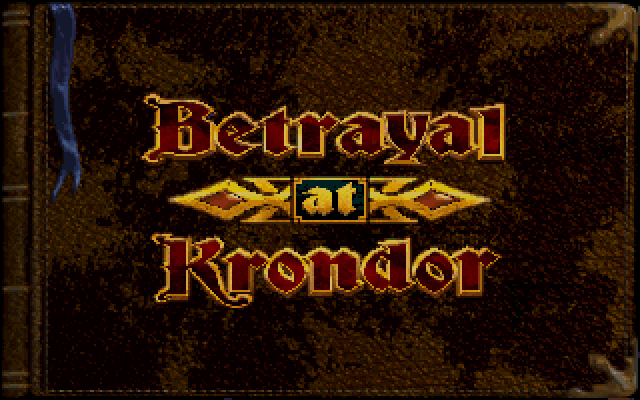
| Betrayal at Krondor | ✓ Fully playable | |
| Bio Menace | ✓ Fully playable | |
| Blake Stone: Aliens of Gold | ✓ Fully playable | |
| Cadaver | ✓ Fully playable | |
| Cruise for a Corpse | ✓ Fully playable | |
| Cryo Dune | ✓ Fully playable | |
| Day of the Tentacle | ✓ Fully playable | Use -s (silent logs) to avoid delays from Adlib timing |
| Doom8088 | ✓ Fully playable | |
| Dune 2 | ✓ Fully playable | |
| Duke Nukem | ✓ Fully playable | No PC Speaker sound effects |
| Duke Nukem II | ✓ Fully playable | |
| Enviro-Kids | ✓ Fully playable | |
| Hero Quest | ✓ Fully playable | |
| Indiana Jones and The Fate of Atlantis | ✓ Fully playable | |
| Jill of the Jungle | ✓ Fully playable | |
| KGB | ✓ Fully playable | |
| Knights of Xentar | ✓ Fully playable | |
| Lands of Lore (floppy) | ✓ Fully playable | Use --SbType SB2 to avoid crash |
| Legends of Kyrandia | ✓ Fully playable | |
| Lost Eden | ✓ Fully playable | |
| Monkey Island | ✓ Fully playable | |
| Monkey Island 2 | ✓ Fully playable | |
| Oh No! More Lemmings | ✓ Fully playable | |
| Planet X3 | ✓ Fully playable | |
| Populous | ✓ Fully playable | No music or sound |
| Prince of Persia | ✓ Fully playable | No OPL music |
| Prince of Persia 2 | ✓ Fully playable | |
| Rules of Engagement 2 | ✓ Fully playable | |
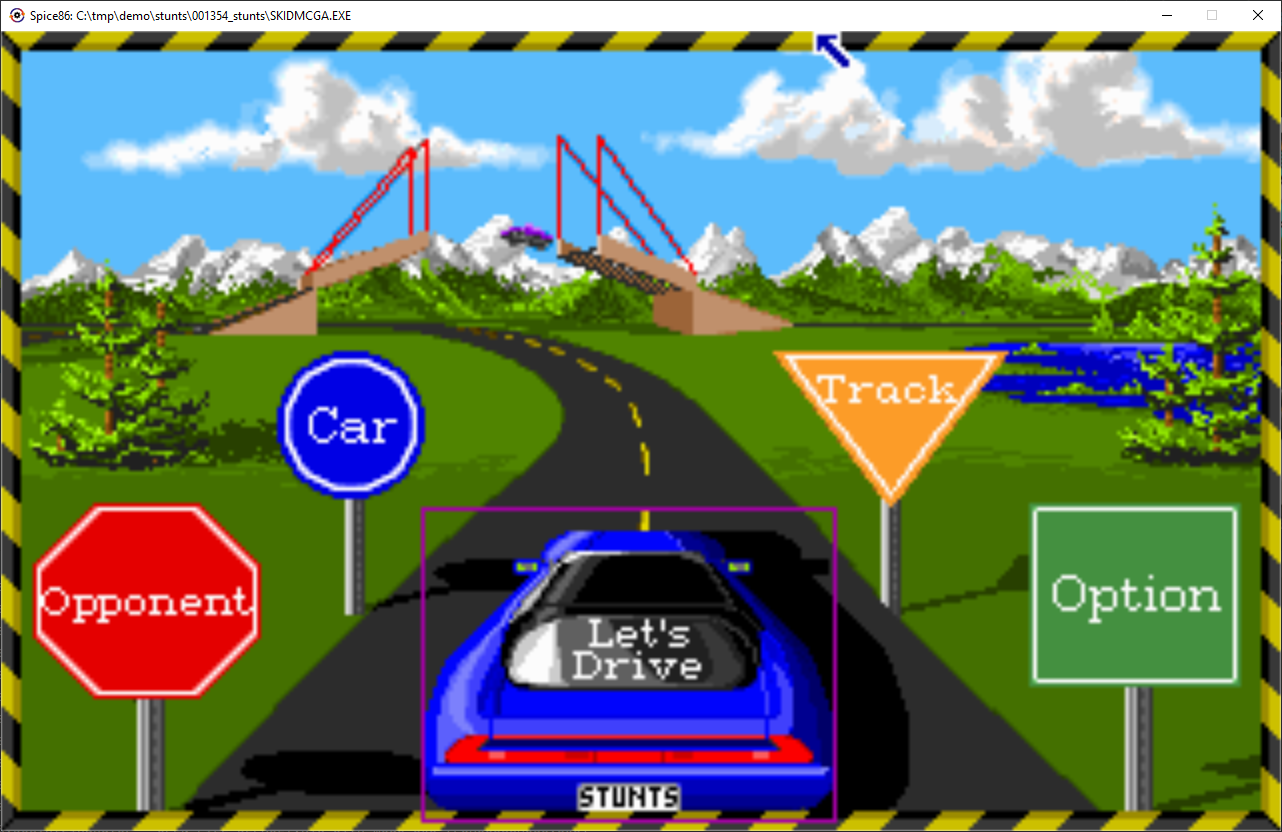
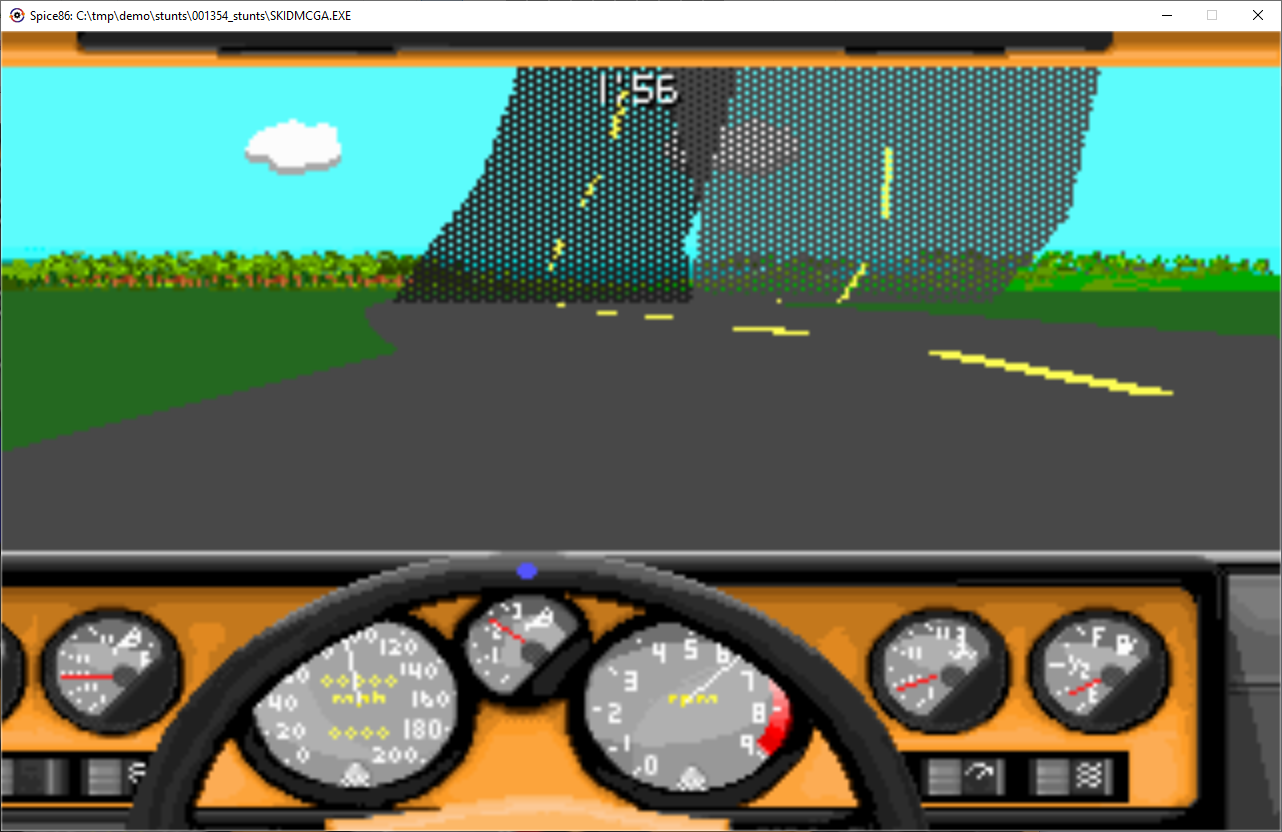
| Stunts | ✓ Fully playable | |
| Ultima V | ✓ Fully playable | |
| Where in Space is Carmen Sandiego | ✓ Fully playable | |
| Wizardry 7 | ✓ Fully playable | |
| Plan 9 From Outer Space | ~ Not playable | Black screen |
| Space Quest I | ~ Not playable | Program exits with code 1 |
| Space Quest IV | ~ Not playable | Program exits with code 1 |
| Ultima IV | ~ Not playable | Black screen |
| Double Dragon 3 | ✗ Crashes | Int 10.3 (text mode) not implemented |
| Dragon's Lair | ✗ Crashes | Exits without error |
| F-15 Strike Eagle II | ✗ Crashes | Invalid opcode |
| Flight Simulator 5 | ✗ Crashes | Invalid opcode |
| SimCity | ✗ Crashes | Int 10.11 ROM pointer not implemented |
A full and up-to-date list is maintained in COMPATIBILITY.md.
CFG CPU Architecture
Spice86 uses a Control Flow Graph CPU (CfgCpu) rather than a traditional
interpreter loop. The graph grows at runtime as the program executes, recording every
path taken and every instruction variant observed. Detailed documentation is in
doc/cfgcpuReadme.md.
Runtime graph construction
Instructions are parsed into typed CfgInstruction nodes as they execute. Successor edges are added to build the complete CFG over time.
Self-modifying code
Memory-write breakpoints detect code changes instantly. Non-final byte changes
(e.g., an immediate operand) are merged into the existing node via wildcard
fields. Structural changes (e.g., opcode bytes) produce a
SelectorNode that dispatches to the matching variant at runtime.
Two-tier instruction cache
CurrentInstructions holds the authoritative live instruction per address. PreviousInstructions retains all previously seen variants; if code is restored, the original node (with its graph edges intact) is reused.
Interrupt isolation
Each hardware interrupt creates a new ExecutionContext. CFG edges are never threaded across context boundaries, keeping interrupt handler graphs independent.
Variant merging
When two instruction variants share the same final signature (same opcodes, different operands), they are merged into one node with operand fields marked "read from memory at runtime", avoiding SelectorNode proliferation.
JIT-ready
The CFG is designed so that hot blocks can be compiled ahead of time in future versions, as all path information and variant data are already present in the graph.
Screenshots
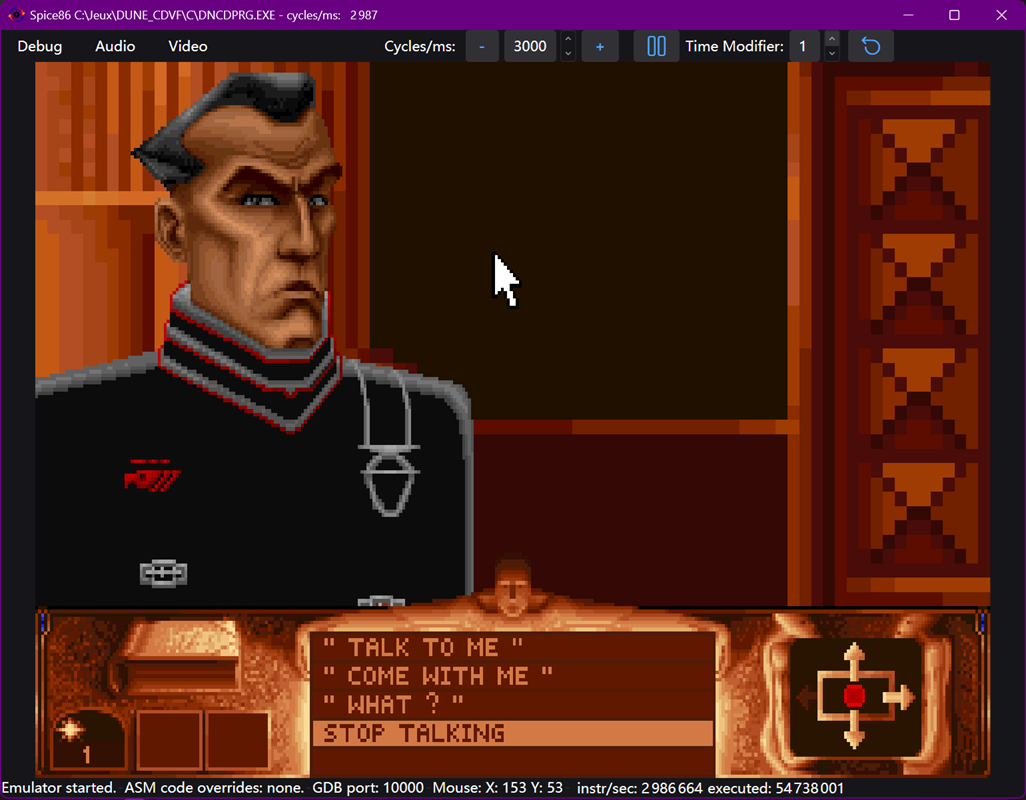
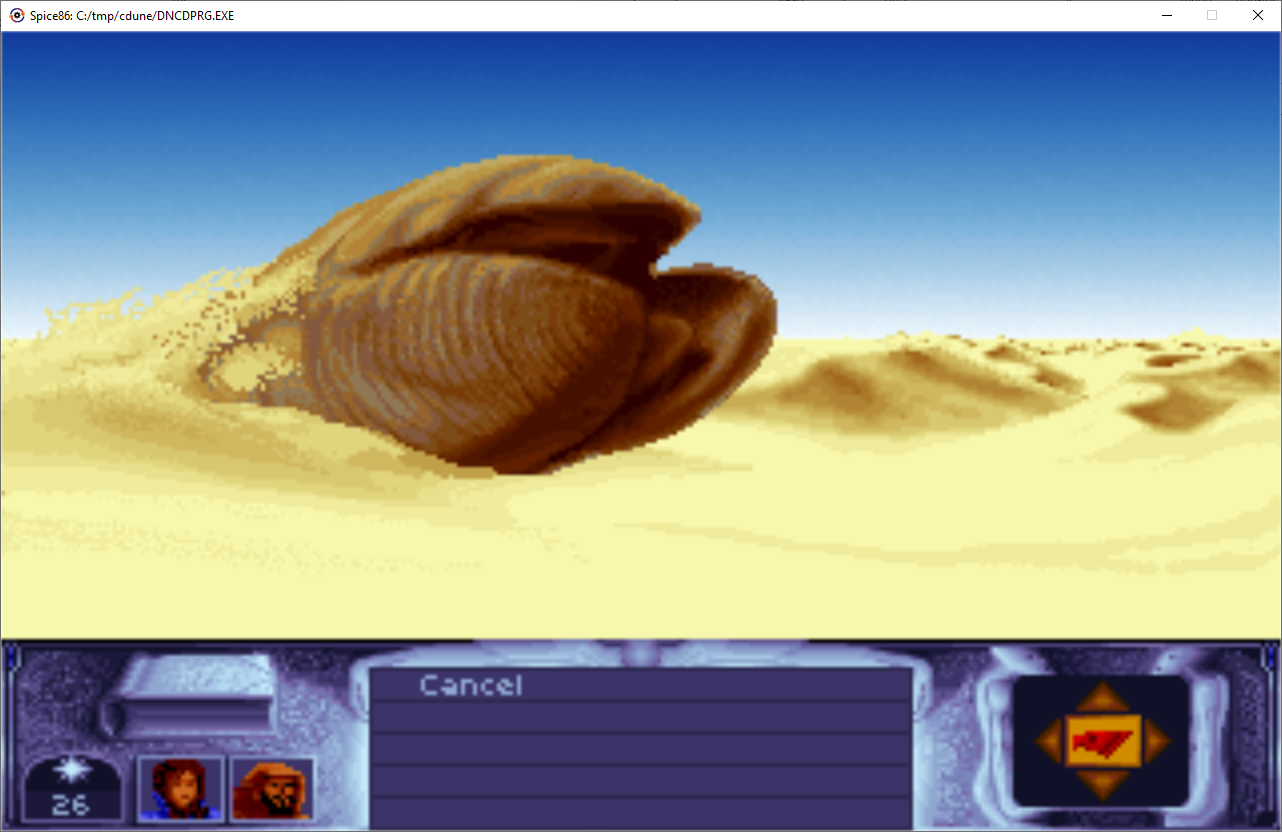
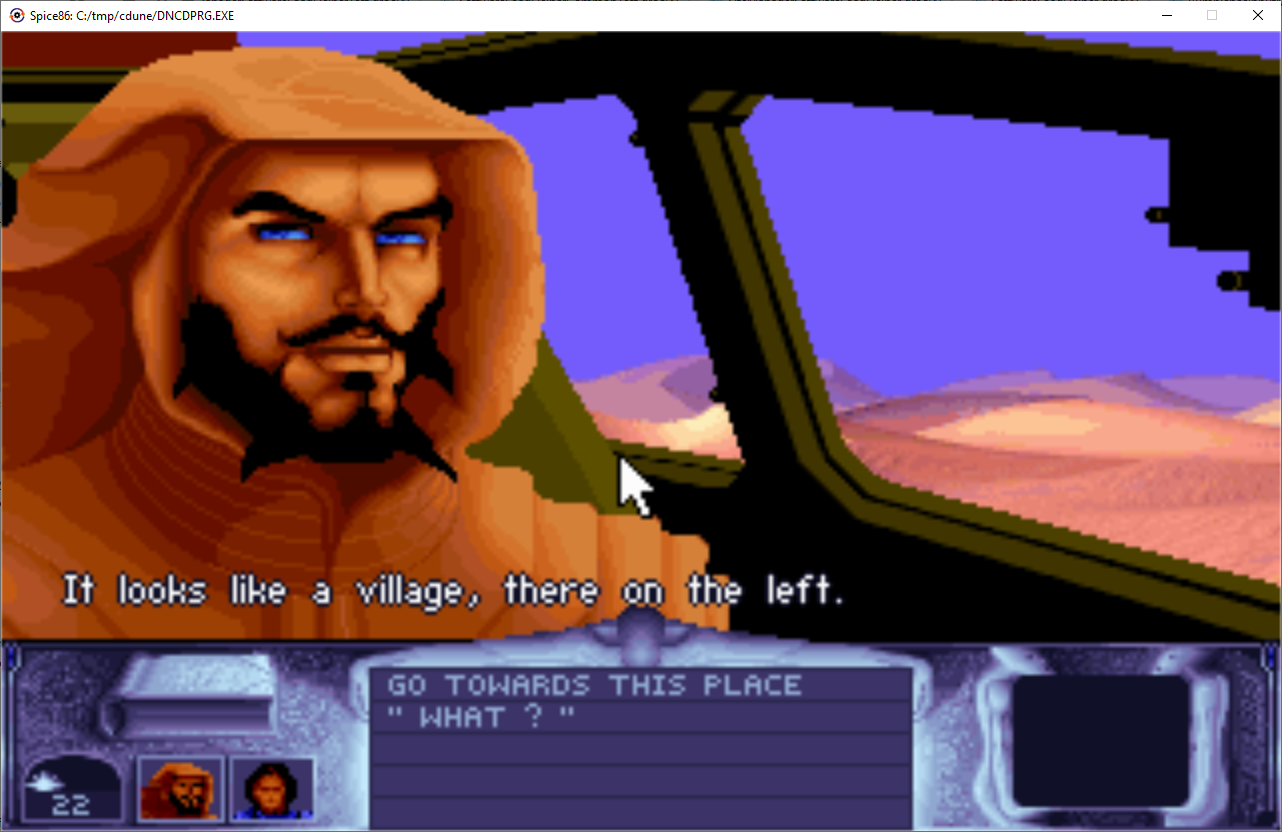
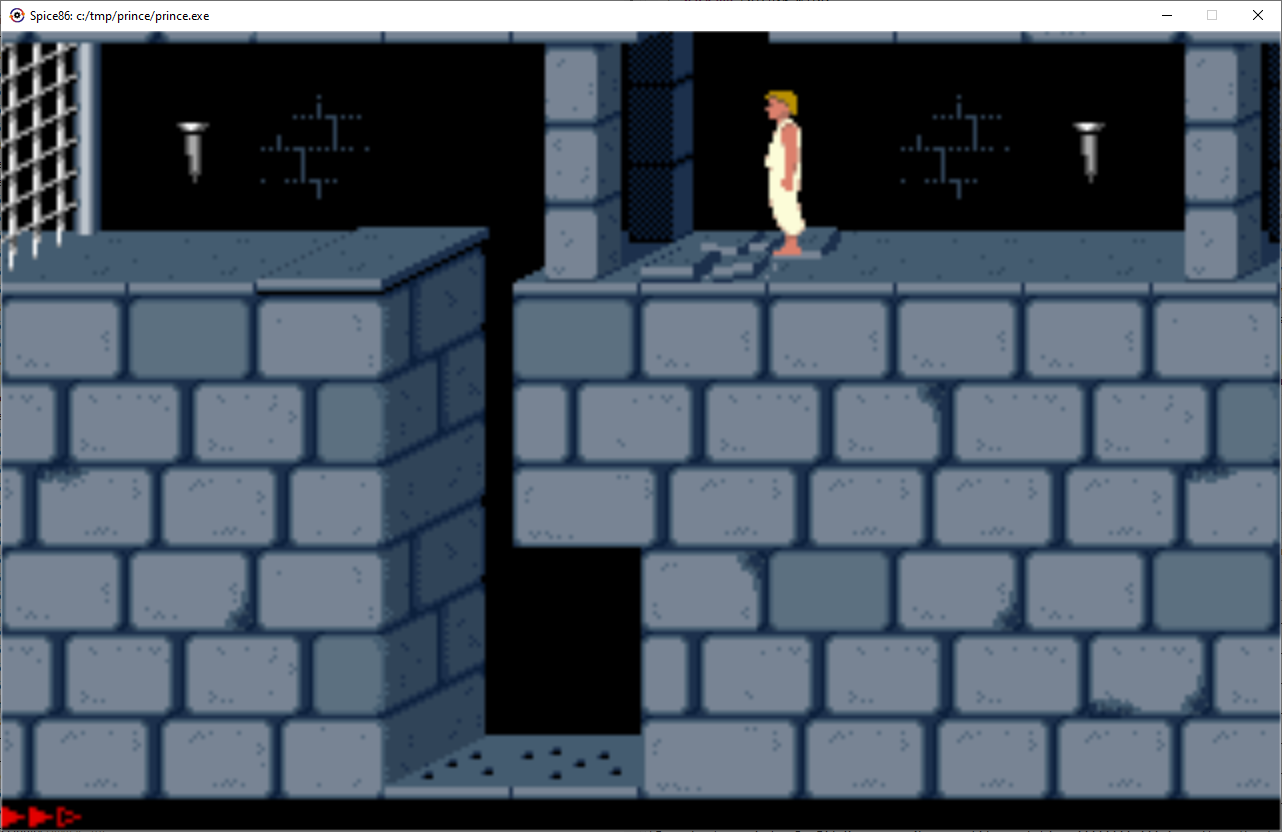
Credits
Core contributors
Spice86 is developed by OpenRakis. It is a port and continuation of the original Java Spice86 by Kevin Ferrare.
Third-party components
| Component | Source | Notes |
|---|---|---|
| SoundBlaster / OPL / Adlib Gold emulation | DOSBox Staging | Fully ported to C#. Includes PCM/OPL accuracy improvements and complete audio re-architecture. |
| UI framework | Avalonia UI | Cross-platform MVVM framework |
| IDE support | JetBrains Rider | Supported via JetBrains Open Source Community Support |
Related projects
| Project | Description |
|---|---|
| spice86-ghidra-plugin | Ghidra plugin that imports Spice86 dumps and generates C# override scaffolding |
| spice86-dotnet-templates | dotnet new spice86.project — project template for override-based rewrites |
| Cryogenic | Ongoing rewrite of Cryo Dune using Spice86; reference implementation of the override system |
License
Spice86 is released under the Apache 2.0 license. See NOTICE for third-party attribution.